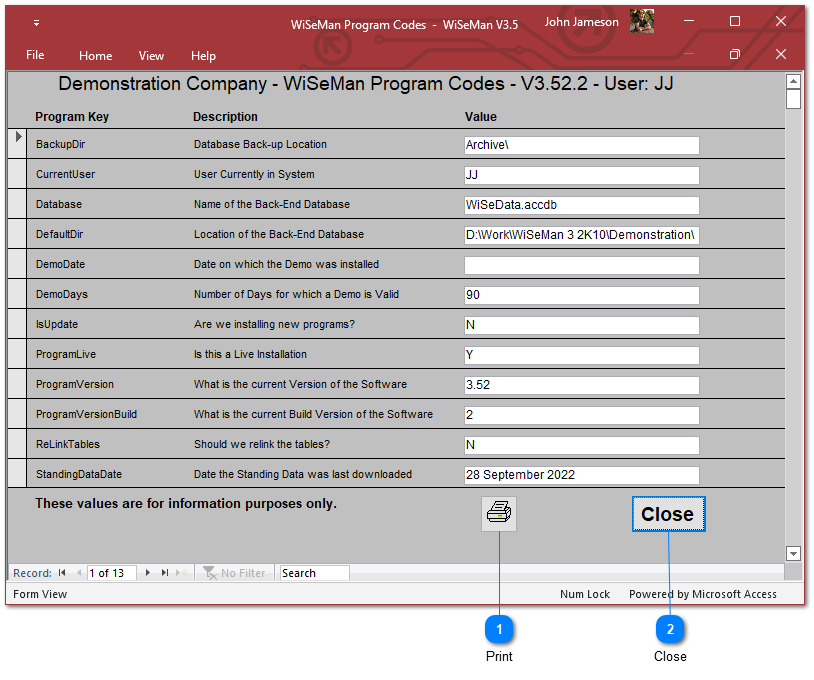
This option allows the System Manager to view certain internal settings of the WiSeMan System. This information can be useful to solve certain support issues.
On choosing the Program Options button, this window will open:
Print
Use this option to produce a Summary Report of the information displayed on this screen.