WiSeMan Security Management System
User Guide
×
Menu
Index

Transferring an Individual to Current Personnel

 
Available in Clearances Held Off-Site Only
 
Sometimes an individual will transfer to the site from another company. If their information held in Clearance Held Off-Site is up-to-date it can be transferred to Current Personnel to save having to re-input the clearance details into the Application Forms.

 
Use the Clearances Held Off-Site option.
 
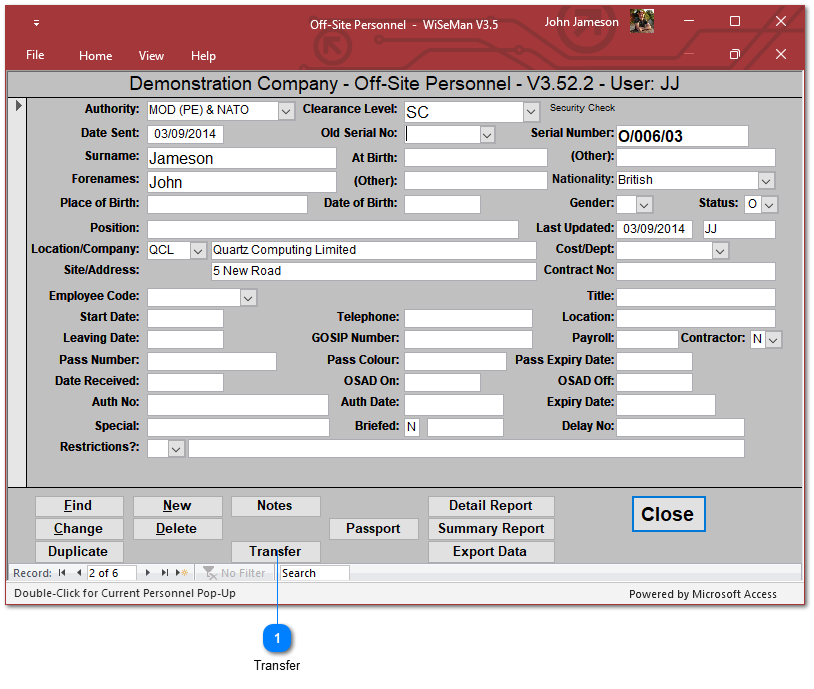
Clearances Held Off-Site: Transferring an Individual to Current Personnel
1

Find

Use this option to select the required individual.
 
Enter the required selection criteria to select the individual who is leaving employment, e.g. Surname.
 
Choose OK to find the person.
 
When the selected person's record is found, further options will be displayed:
 
 
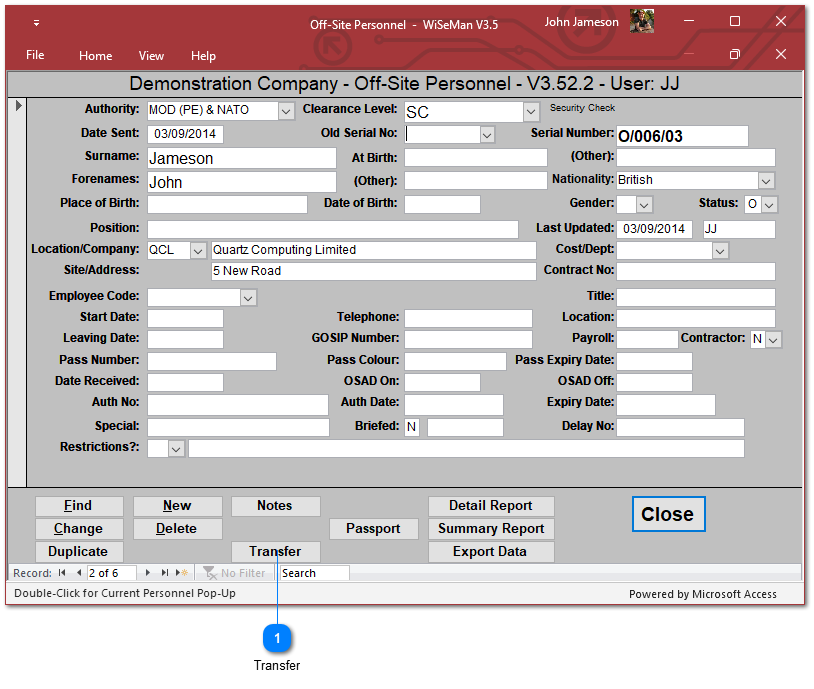
Clearances Held Off-Site: Transferring an Individual to Current Personnel
1

Transfer

Choose this option to move the Individual to Current Personnel.
 
Change the Employee Code, Start Date, GOSIP Number, Payroll, Pass Number, Pass Colour, Pass Expiry Date and  /or the OSAD On Date, if required.
 
Choose OK to transfer the individual to Current Personnel.
Choose Cancel to keep the individual in Clearances Held Off-Site.